
A player's mobile setup
966Q Mobile Access Guide
I use 966Q on Android through its dedicated application and on iPhone through a Safari home-screen shortcut. Both options connect to the same account, balance and promotions as the main website.
This guide explains the setup for each phone type, shows the practical differences and covers the settings that affect alerts, storage and data use.
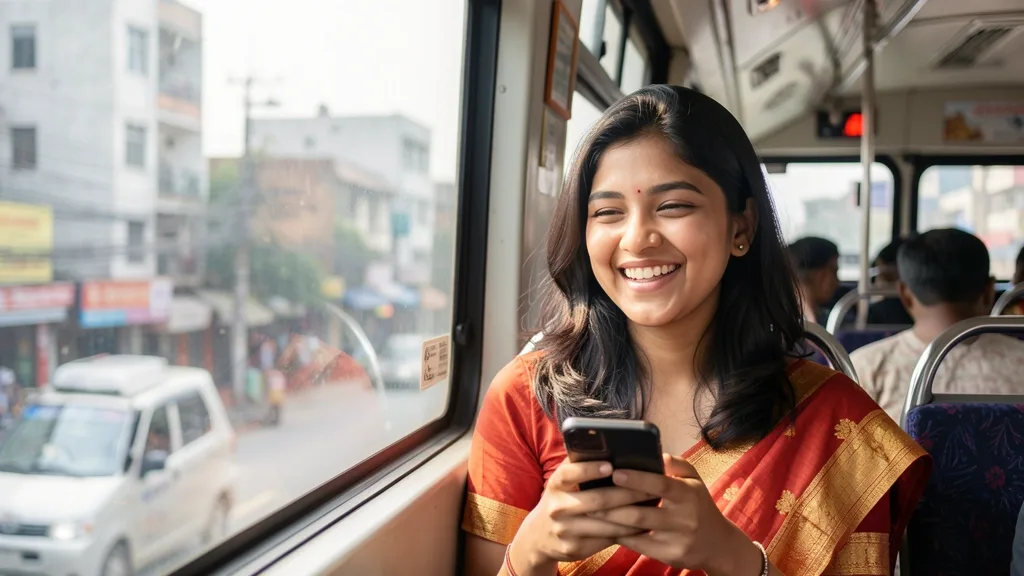
How the two mobile options differ
The Android application and iPhone shortcut both open the complete lobby, account area and cashier. Their device permissions and storage needs are different.
| Feature | Android application | iPhone shortcut |
|---|---|---|
| Install size | 28 MB | None |
| Biometric login | Fingerprint or face | Face ID |
| Push alerts | Yes | iOS 16.4 and newer |
| Live streams | Yes | Yes |
| Data saver mode | Yes | No |
Set up 966Q on Android
The Android file is obtained from the official 966Q website rather than an app store:
- Open 966Q in Chrome and select Android App
- Confirm the download for the 28 MB APK
- Permit Chrome to install applications when Android requests it
- Tap the downloaded file, choose Install and then Open
- Sign in, then disable Chrome's Install unknown apps permission again
Use Android 7.0 or later with at least 2 GB of RAM. If you need account access before installing, the login page works in the phone browser too.
Place 966Q on an iPhone home screen
There is no separate App Store installation in this setup. Safari on iOS 15 or later can create an icon that opens the service in a full-screen view:
- Open 966Q in Safari on the iPhone
- Tap Safari's Share control at the bottom
- Select Add to Home Screen and accept the suggested name
- Use the new icon, then sign in to the account
On iOS 16.4 and newer, push notifications may be enabled from the profile menu after the shortcut is created.
When the mobile setup does not work
A failed Android installation usually means the phone is below Android 7.0, has under 100 MB of available storage or has blocked downloads from Chrome. Removing some files and downloading the APK again addresses these causes.
If the lobby opens but games remain blank, clear the application cache in Android settings first. This refreshes temporary files without logging the account out.
Useful tools inside the application
The Android version includes several controls that are less convenient in a normal browser:
- Fingerprint or face sign-in
- Push notifications for tosses, innings and goals
- Quick bet using a preset stake
- Reduced-data mode for 3G connections
Each option can be enabled or disabled from the application settings. The cashier can also be reached through the payments section, including local payment choices such as bKash.
Release cycle and stored files
966Q publishes a new application version approximately once each month. The file can download in the background and then asks for one tap before installation, while the existing login and preferences remain.
The installed program occupies about 28 MB and may reach 150 MB when game cache is included. Clearing that cache in Android settings recovers room without removing the account.
Mobile data, streams and battery settings
Sports betting and slots use around 5 MB of mobile data per hour. A live casino stream requires 300 to 500 MB per hour in HD, or about 150 MB when data saver mode is used.
Phones with strict background controls, including Xiaomi, Realme and Oppo models, may stop notifications until the application is allowed to run in the background. Look under battery and app management in Android settings. For more account options, the main 966Q site uses the same credentials.
Questions about mobile access
Does installing the mobile option cost anything?
No. The Android APK and the Safari shortcut are free to install. Any deposits or wagers are separate account activity.
Why is the Android file not in Google Play?
Google Play does not list real-money betting applications for Bangladesh, so the APK is supplied through the official 966Q website.
Will a new version replace my settings?
The update keeps the saved login and application preferences. Installation normally needs one tap after the new file has downloaded.
Can the same 966Q account work in every version?
Yes. The balance, bets and bonuses are shared between the Android application, iPhone shortcut and website.
Your guide to 966Q in Bangladesh
18+18+ only: online gaming involves financial risk, so play responsibly.